Why does bot access matter?
An AI engine has to read your page before it can cite it. If the bot cannot open the page, your content never reaches the answer, however good it is.
The block is rarely deliberate: a security plugin, a hosting default or an old robots.txt line quietly keeps the bot out. The site opens normally for visitors, so nobody notices.
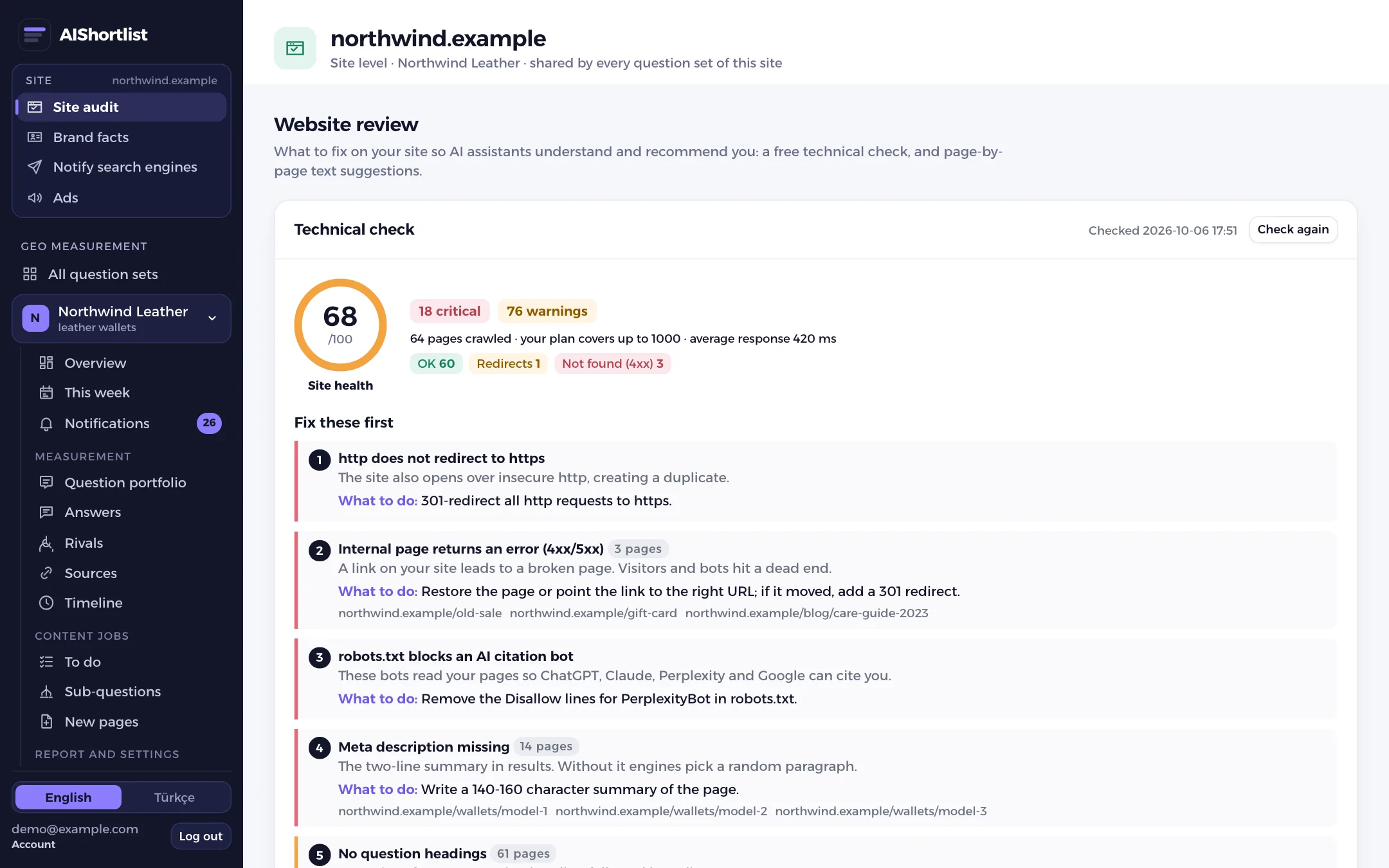
What does the check look at?
Three separate checks:
- robots.txt: your file is read and the allow or disallow rule is worked out for each bot.
- Test request: a request carrying the bot's name is sent to your home page and your server's response is recorded. A firewall block shows up here.
- Readable text: the raw HTML is checked for text. If the content is drawn only by JavaScript, most bots see an empty page.
Which bots are tested?
Ten bots are tested one by one: OAI-SearchBot, ChatGPT-User, GPTBot, ClaudeBot, Claude-SearchBot, Claude-User, PerplexityBot, Perplexity-User, Googlebot, Bingbot.
| Bot | Owner | What it does |
|---|---|---|
| OAI-SearchBot | OpenAI | Indexes pages for ChatGPT search results |
| ChatGPT-User | OpenAI | Opens a page live when a user asks |
| GPTBot | OpenAI | Crawls for model training |
| ClaudeBot, Claude-SearchBot, Claude-User | Anthropic | Training, search and user requests |
| PerplexityBot, Perplexity-User | Perplexity | Search index and user requests |
| Googlebot | Google Search; Gemini answers are grounded in Google Search results | |
| Bingbot | Microsoft | Bing index |
You can block a training bot and leave the search bot open; they are not the same thing. Details: Does blocking GPTBot affect visibility in ChatGPT?
How certain is the result?
The test request comes from our server. Real bots are recognised by IP address as well as by name, so the dashboard shows the result as a "possible block", not as proof.
The proof is in your own server logs: search them for the bot's name and look at the status code it received. The check tells you where to look.
What do you do when a block shows up?
- robots.txt disallow: remove the Disallow line for that bot or add an Allow.
- Firewall or plugin: add the bot's name to the allow list; ask your host about its default bot rule.
- Content drawn by JavaScript: render the page on the server or put the main text in the raw HTML.
- After the fix, run the check again and confirm it in your server logs.
How do you run the check?
The free site audit works with no account: enter your domain and email, the first 10 pages of your site are crawled, and the bot access and speed result arrives in a few minutes.
In the dashboard, bot access is part of the site audit and is open on every plan. The crawl limit grows with the plan: trial 10, Lite 25, Starter 50, Growth 250, Pro and Agency 1,000 pages. Speed is measured with Google PageSpeed Insights on mobile and desktop.